
workflow3 min read
How a session runs through my studio
The same session used to live in five different apps. Now the video & photo are handled by one.
For fifteen years, every session involved typing the same details over and over. It was time-consuming, and it was every single time. Now sessions are contained in CreateFu. And it gets easier the more often you work with a client.
Here’s how one session actually runs through my studio now, from a new client’s first email to the finals landing on their phone.
It’s all about the client account
When I first hear from a new client, I add them to CreateFu, and then immediately add their first session so we can begin planning.
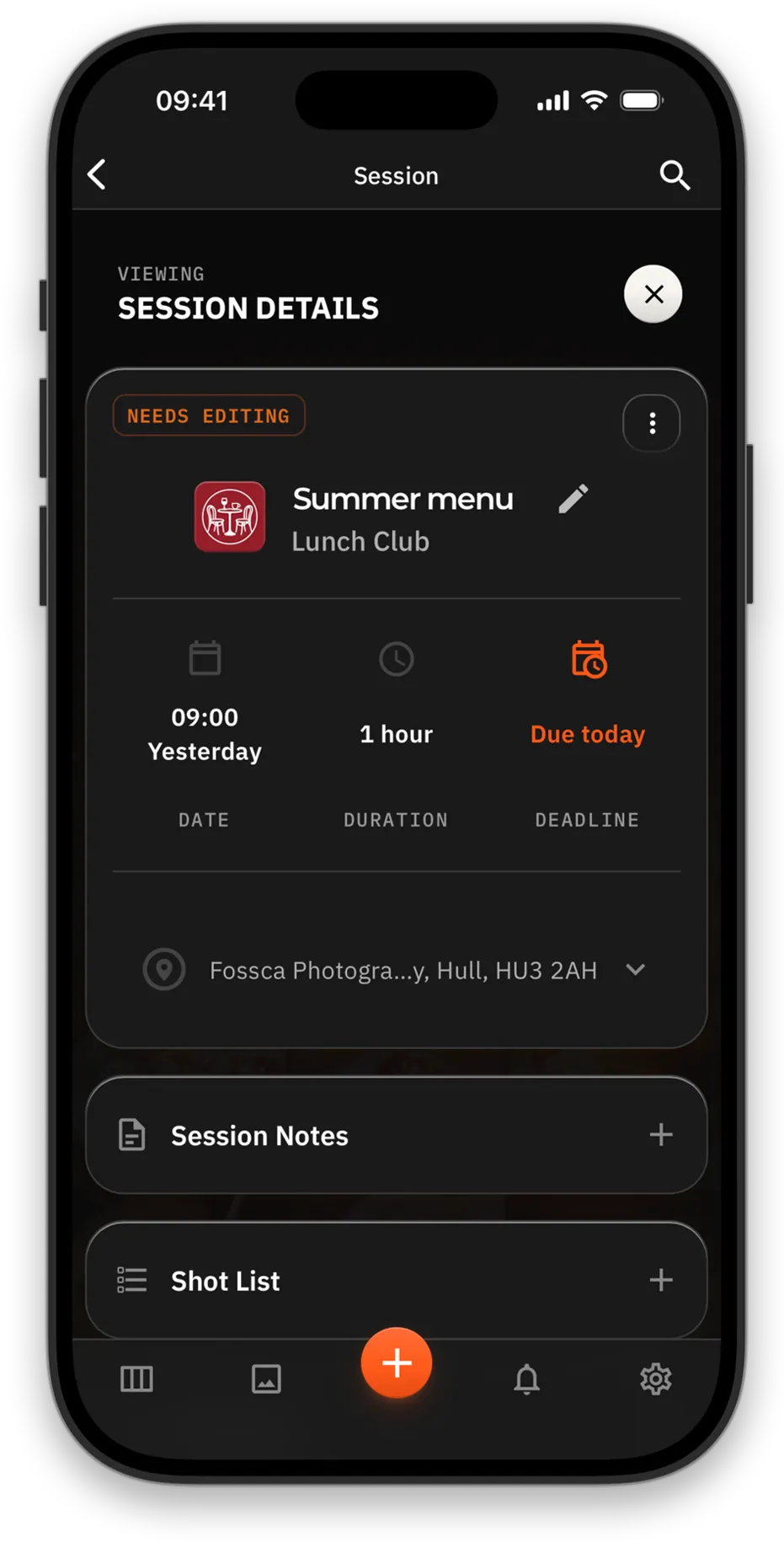
Everything about the shoot lives in this CreateFu session — dates, addresses, notes, the shotlist, right through to the videos/photos and edit requests later on.
Sessions also include a status. If it’s lit up, it’s on my to-do list and jumps to the top of the workflow view. Overdue sessions do the same.
Every session is attached to a client, so the second time you work with them most of the details already exist. You just tap new session, give it a name, and it’s ready to go. As soon as you add video or photo, your client is notified.
Shoot day
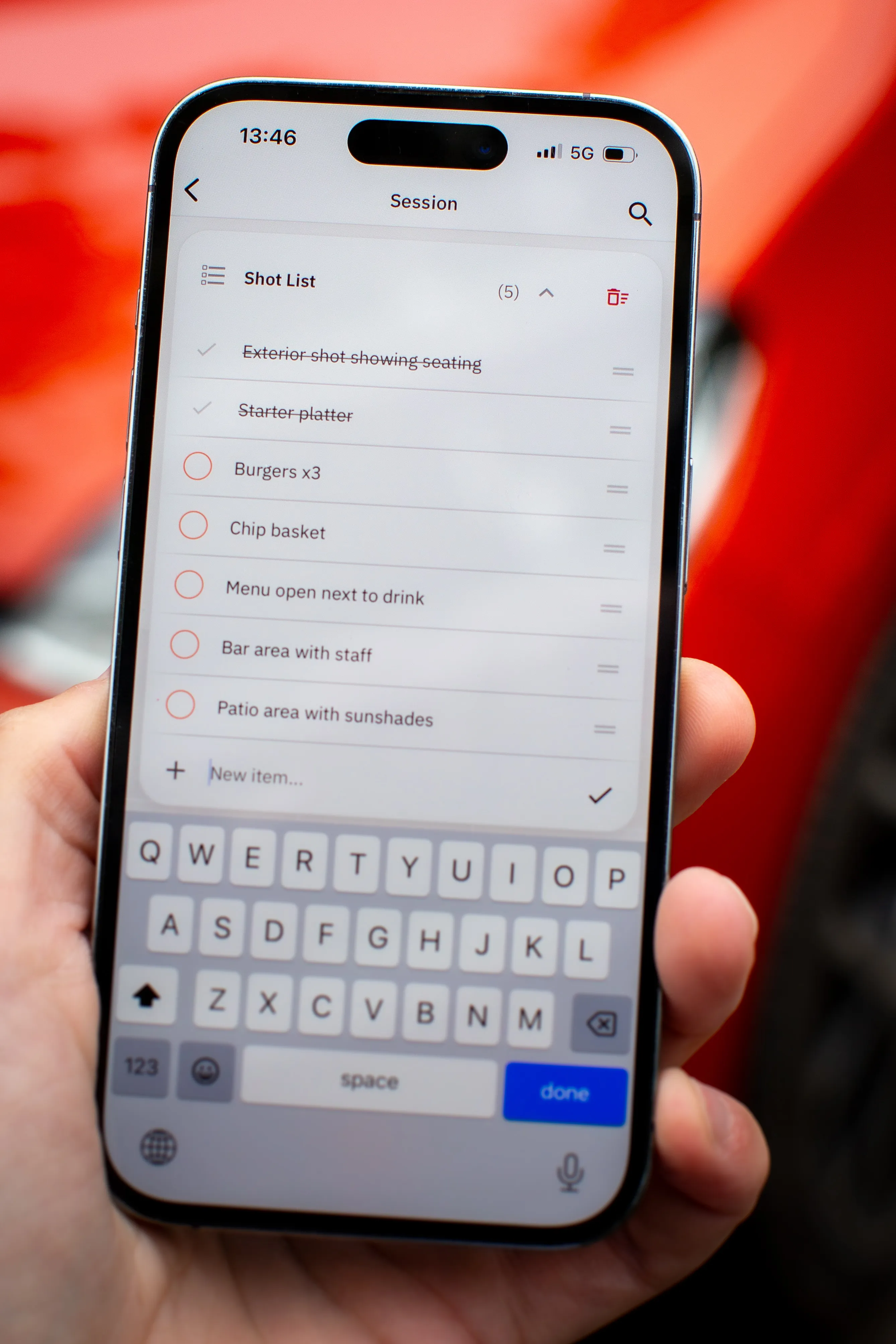
The address and notes are part of the session, so the morning doesn’t start with a dig through old emails for a postcode. The shot list is on my phone and gets ticked off as we go.
If someone messages about a session from months ago, I can sort it from the car. Every feature from the website is perfectly usable in the app, on iPhone, iPad or Android.
Upload and send
Once everything is ready, I upload to the existing CreateFu session — video at the same time as the photos, in whatever format and resolution I like.
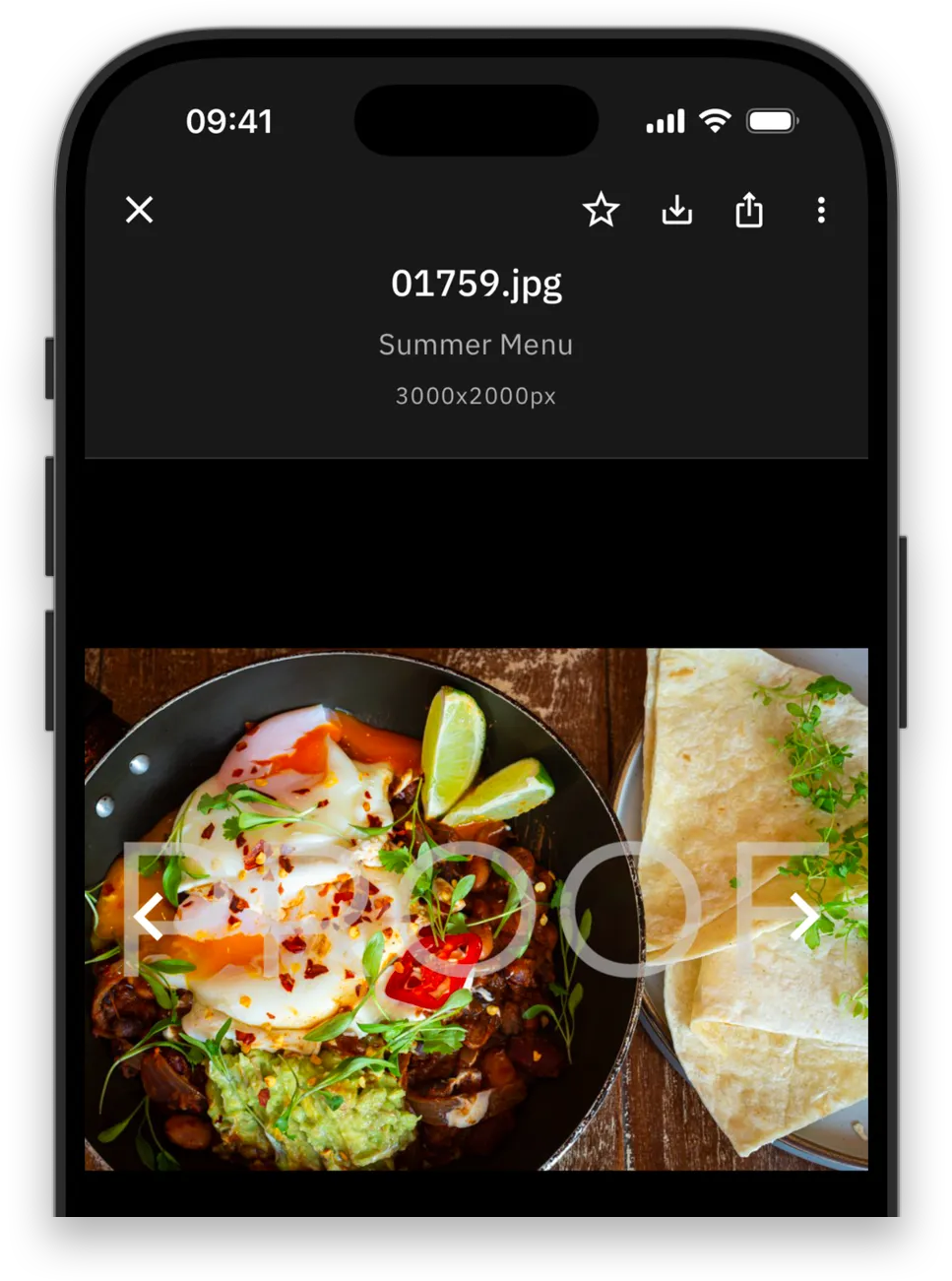
Anything set as proof will have a watermark when viewed or downloaded. The client favourites the shots they like, and I see exactly what they picked. I finish any edits, then either replace the proofs with new uploads or just set them as final to remove the watermarks.
So no second upload unless I’ve done more edits. No new link. No final_v3_FINAL folder.
Delivery
If this is the first time working with the client I press share and enter their email address. CreateFu notifies or emails them directly, so there’s no link for me to paste. If I’ve worked with them before, the share and notification are automatic.
Videos & photos are side by side, viewable on any device, on any connection. My client can download multiple sizes, and for anything uploaded as a final, they can even download the uncompressed originals.
Six months later it’s all still there, which saves a phone call I used to get a lot. They have their own account, so worst case I just remind them to go to CreateFu.com.
To see what it looks like from their end, check out What your clients see.
What it doesn’t do
The goal was never everything in one app. It was to have the video & photo side of the business handled smoothly. I wanted no time wasted on my end, and the smoothest possible experience for my clients. No more wrestling generic apps into a job they were never built for.
Here’s what I still have outside CreateFu.
- Email/Chat: I don’t need yet another platform to talk to clients through.
- Calendar: I have multiple calendars and CreateFu will soon sync to my business one.
- Contacts: Stored in my phone for caller ID.
- Invoicing: Already handled by my accounting software, but I can now easily track the hours of a session.
CreateFu is built for those who shoot for repeat clients. If that’s you, there’s a free 45-day trial, and if you’re wondering how it would handle your particular flavour of chaos, message me directly.